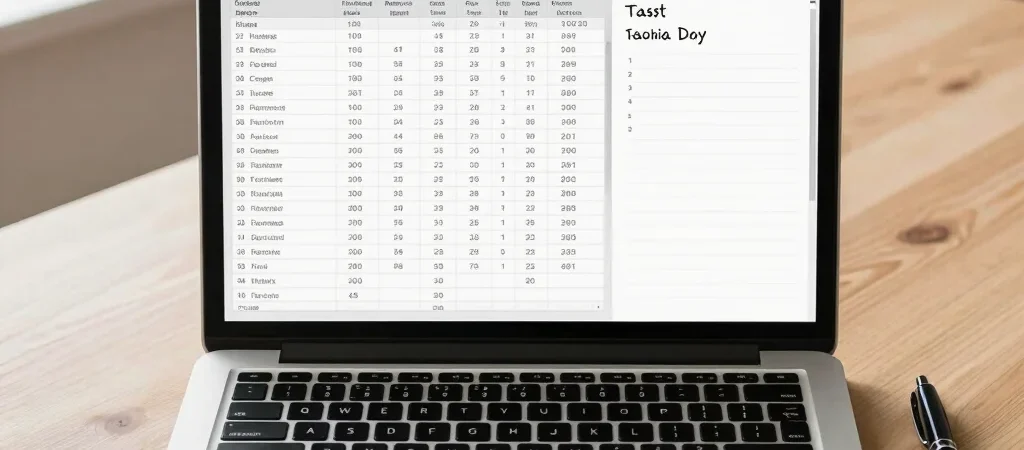
Two laptops can share a similar price and still suit completely different people. Before comparing processor labels, write down what you need the machine to do: run a particular creative app, handle video calls, travel between classes, or replace a desktop at home. That short list gives every specification a job.
Define the work first
For browser tabs, documents, and streaming, prioritize a comfortable keyboard, a screen you can read for hours, and enough memory for your normal multitasking. If your work includes large photo files, software development, or video editing, check the recommended requirements for the applications you use and compare them with each laptop’s listed configuration. A model name alone may cover several configurations, so verify the exact memory, storage, and processor in the product listing.
Spend where you notice
Storage affects how much you can keep on the laptop, while memory affects how comfortably it handles several active tasks; neither is a useful upgrade if it pushes your budget past what you need. Screen size and weight matter more if you carry the laptop daily, while port selection can matter if you regularly connect an external monitor, camera, or wired accessories. Compare the trade-offs side by side instead of assuming the most expensive configuration is the right match.
Check the daily details
Before choosing, confirm the operating system supports your essential software, check which ports and wireless connections are listed, and look for the manufacturer’s battery-life testing conditions rather than treating one number as a guarantee. If you rely on a specific dock, monitor, or accessory, verify compatibility with that exact laptop configuration. SmartTechChoice may earn a commission when you use qualifying retailer links; that relationship should be clear wherever those links appear.