

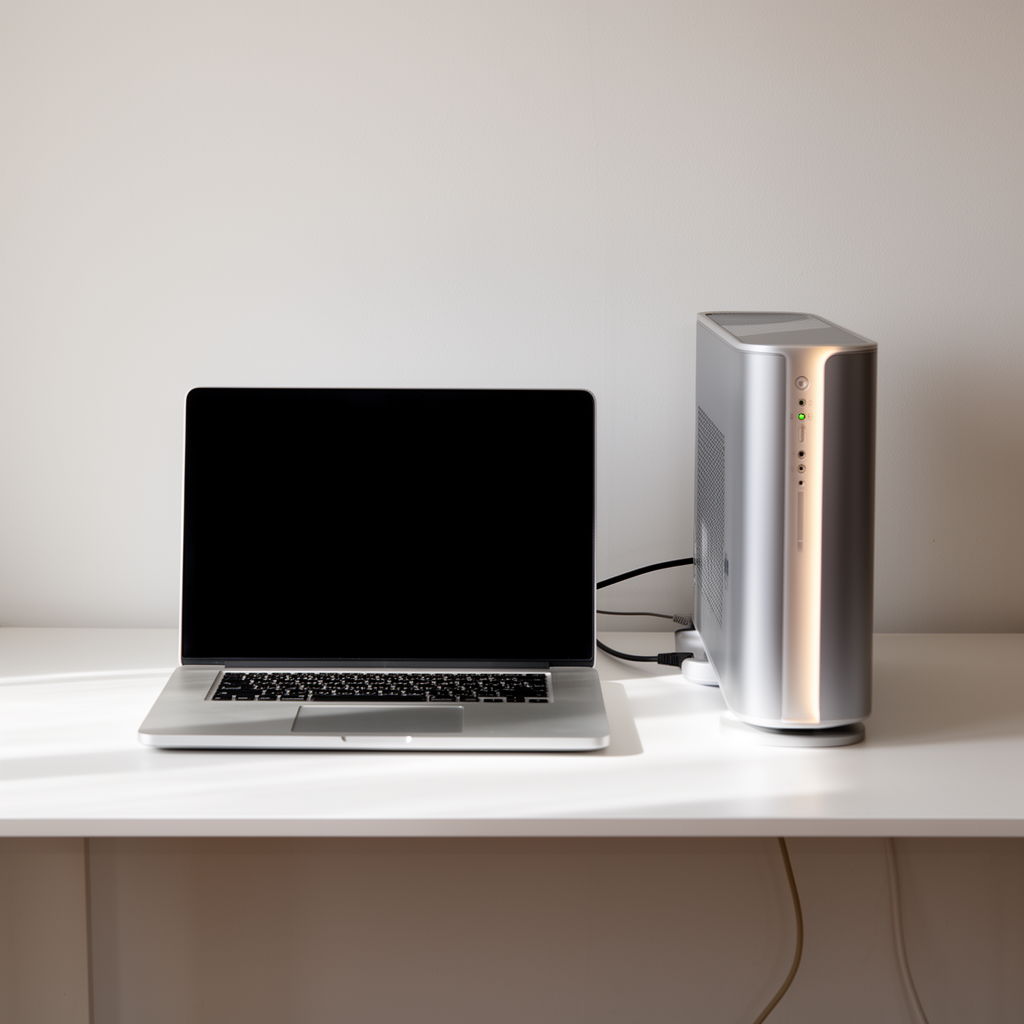
Modern processors boost their clock speeds dynamically until they hit predefined thermal limits. When a compact laptop or dense desktop tower lacks efficient heat dissipation, internal safeguards step in to slow down processing cores instantly. Restoring full performance rarely requires expensive upgrades; often, addressing basic airflow obstructions and driver behavior makes all the difference.
Understanding Compact Laptop Thermal Throttling
Thin ultrabooks and gaming laptops pack intense computing power into chassis under two centimeters thick. Over time, microscopic dust gathers in the copper cooling fins, forcing cooling fans to spin faster while delivering reduced thermal transfer. Elevating the rear laptop chassis by just a few millimeters improves bottom intake airflow enough to reduce core temperatures during heavy export tasks.
Desktop Airflow Dynamics and Printer Connectivity
Desktop PCs benefit immensely from positive air pressure configurations, where intake fans pull in slightly more filtered air than exhaust fans push out. Keeping high-draw components cool ensures smooth background operations, such as spooling massive print jobs to wireless office printers or rendering complex multi-layer media files without thermal hiccups.
Practical Maintenance for Lasting Speed
A quarterly routine of clearing intake filters with compressed air and auditing background applications preserves hardware longevity. By managing operating temperatures proactively, your laptop or desktop maintains higher clock speeds for longer periods, preserving performance year after year.