A TV can look like a strong deal on a product page and still be wrong for your room: the screen may overwhelm a narrow space, the feet may not fit the stand, or the ports may not match your setup. Start with the physical and connection checks. Once those are settled, compare picture features that suit what you watch.
Measure the real space
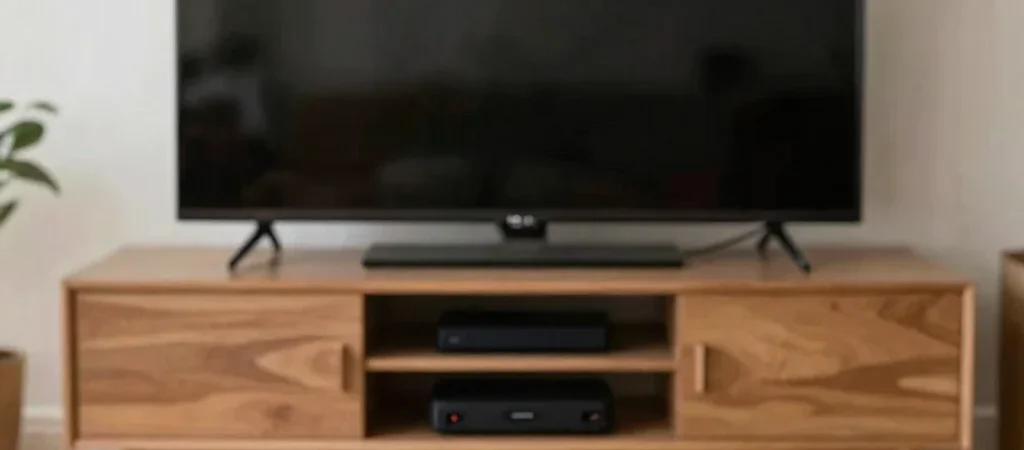
Measure the available width of your TV stand, then compare it with the TV’s full width and the spacing between its feet in the manufacturer’s specifications. For wall mounting, check the listed mounting pattern and the wall mount’s supported size and weight range. Screen diagonal does not tell you whether the whole set will fit.
Map your connections
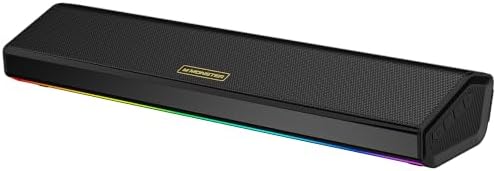
List the devices you plan to connect, such as a game console, streaming player, soundbar, or cable box, and note which ports each one needs. Compare that list with the TV’s port specifications, including any stated support for the audio features or gaming functions you intend to use. If you rely on a receiver or soundbar, verify the connection path across all the devices rather than checking the TV alone.
Choose features for viewing
A bright room with daytime viewing creates different priorities from a dim room used mostly for films at night. Compare display technology, refresh-rate information, and HDR format support against your viewing habits and connected devices; feature names are useful only when the content and equipment can make use of them. SmartTechChoice may earn a commission from qualifying retailer links, so look for a clear affiliate disclosure alongside any linked recommendation.